dj-control-room 1.8.1 adds internal project panels
Internal panels are custom tools just for your project and not meant to be shared on PyPI.
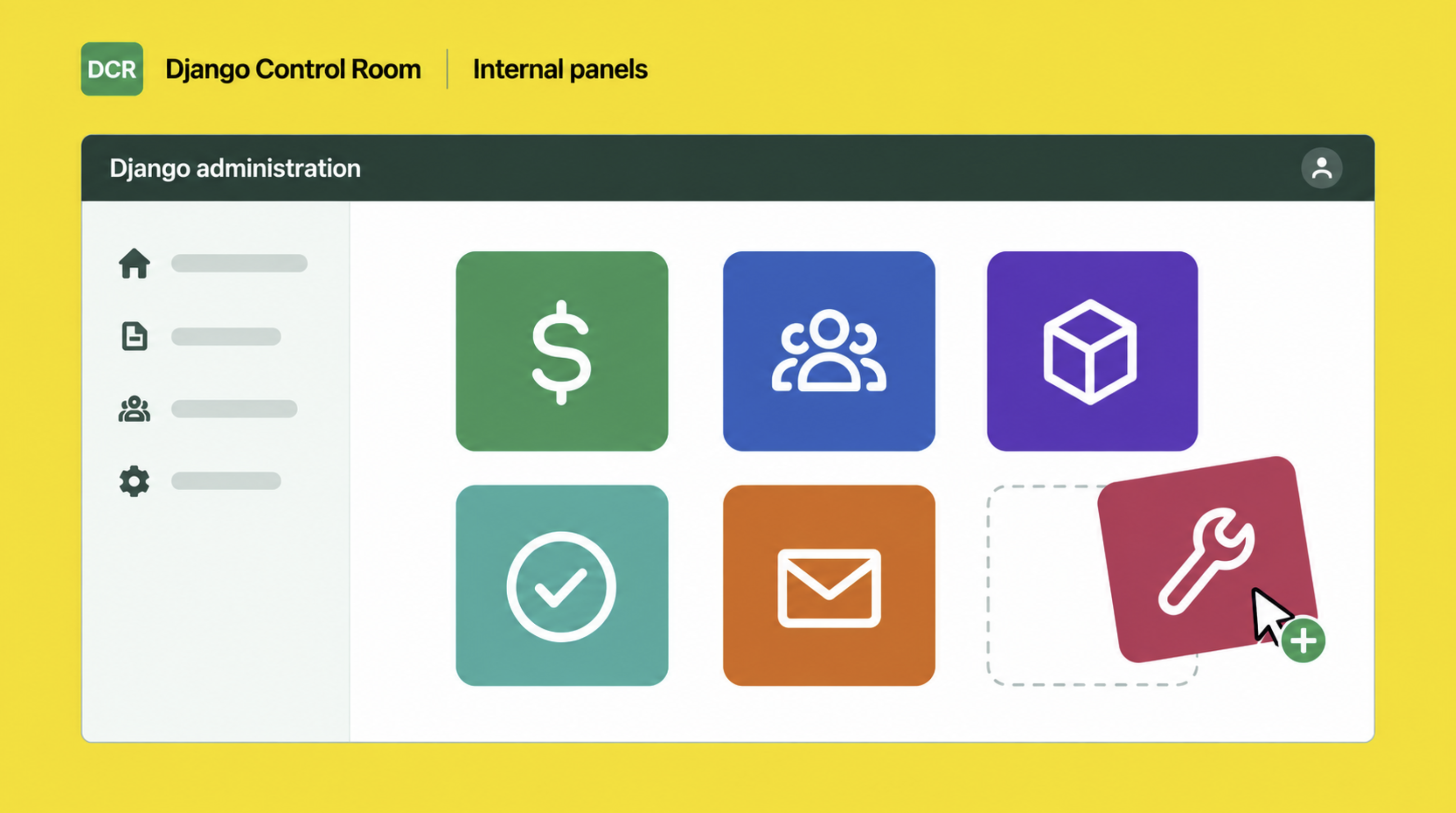
Django Control Room 1.8.1 adds support for creating panels that live entirely in a Django project. While creating panels has always been possible, all existing guides and templates have focused on creating pip installable packages meant to be broadly shared. Internal panels are meant for projects that need to create their own bespoke tools (e.g. a customer CRM tool, billing system tools, workflow engines, etc.) Creating internal tools will always be needed at companies; projects using Django Control Room can now do this more quickly than ever by standing up their tools inside the already excellent Django Admin.
Checkout the new internal panel guide for a more in depth introduction on how to create an internal panel.
Changes:
-
New panel creation command: Creating an internal panel is as easy as creating a standard Django app. A new command
dcr_startpanelhas been included in this release to make this process easy. Simply run:python manage.py dcr_startpanel customer_crmand a new Django app (calleddcr_customer_crm) representing a panel will be created in your apps folder. Simply add this new app to yourINSTALLED_APPSandurls.pylike any other app to see your app in the Django Admin or the DCR hub. -
Internal Panels Section: A panel that lives inside this Django project, rather than a published package, shows up under a new
Internal Panelssection inside the DCR hub. There are now three different categories for panels:- Official panels: these include panels released as part of the DCR org (e.g. dj-redis-panel, dj-cache-panel, etc.)
- Community panels: Any non-official published panels that are pip installable.
- Internal panels: panels that are part of the project's source directly.
-
MCP and custom user models:
MCP_USERNAMEwas looked up with a hardcodedusernamefield. Projects whose user model uses another identifier, such as email, raised an unhandled error instead of a configuration error. Lookup now uses the model'sUSERNAME_FIELD. With the default user model, behavior is unchanged. SetMCP_USERNAMEto the value of that field (the email address, for an email-as-identifier user). Thanks to Jingran for the fix in #39.
The full changelog is in the 1.8.0 release.
You can update DCR and all of its official panels by running:
pip install --upgrade "dj-control-room[all]"